
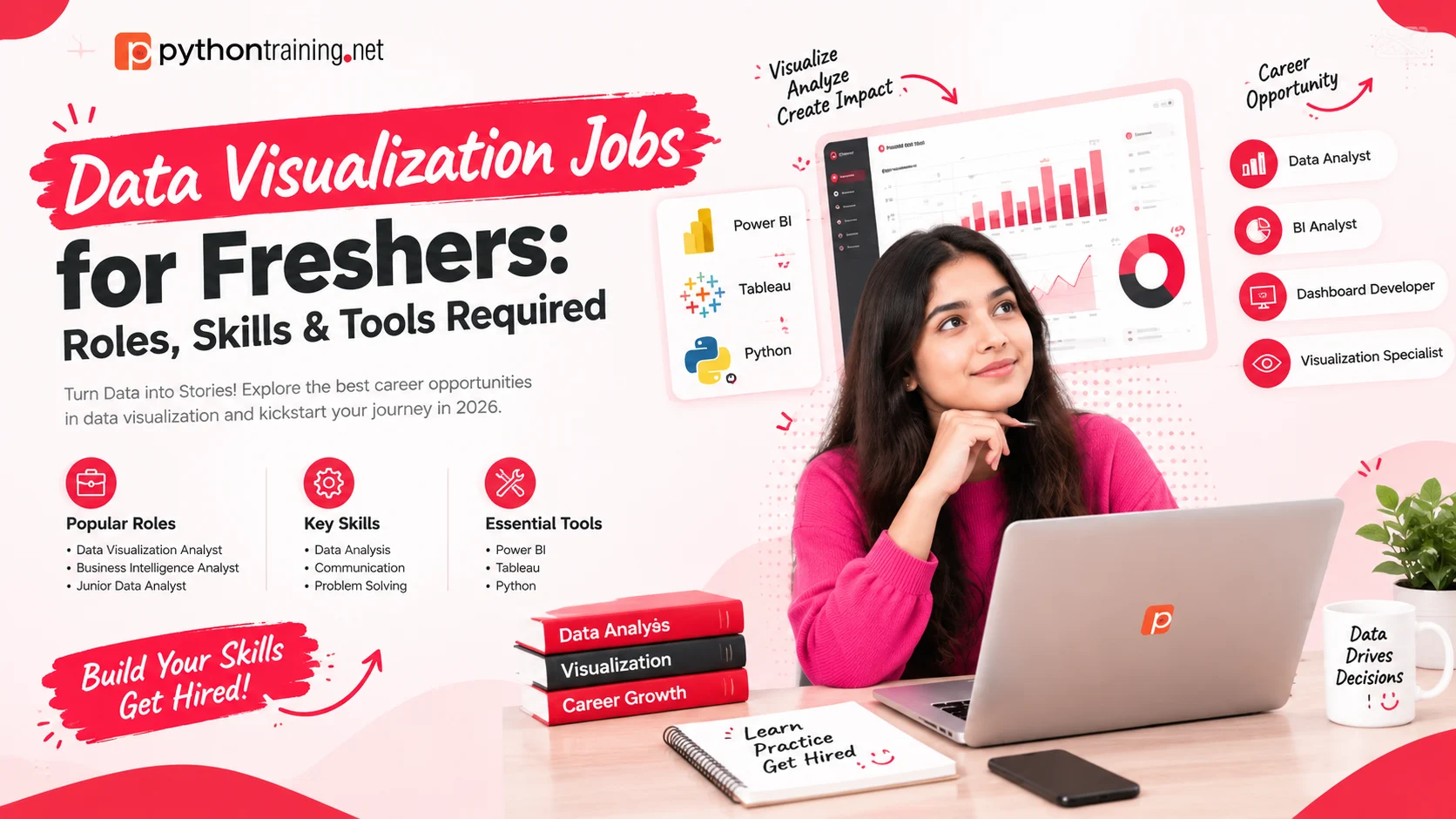
Introduction
Every business has data. Very few have people who can turn that data into a chart a manager understands in five seconds. That gap is exactly why data visualization has become one of the more approachable entry points into the data field for freshers: you don’t need years of experience or a heavy math background to get started, but you do need a clear set of skills and proof that you can use them.
This guide covers the data visualization jobs open to freshers, the skills employers look for, the tools worth learning, and a practical plan for building a portfolio that gets interviews.
What Does “Data Visualization” Work Actually Look Like?
Data visualization is the practice of turning raw numbers into charts, dashboards, and visual stories that help people make decisions. On a typical day, a fresher in this space might:
- Pull data from a spreadsheet or database and clean it
- Build a dashboard that tracks sales, customers, or performance
- Create a weekly report with charts for a manager
- Spot a trend or problem and explain it in plain language
- Update dashboards when new data arrives
It’s a blend of analysis, design, and communication. The best visualization professionals aren’t just tool operators. They’re people who can answer, “What does this data mean, and what should we do about it?”
Data Visualization Jobs for Freshers: Roles to Target
Job titles vary widely between companies, so search for several of these:
| Role | What You Do | Good Fit If You… |
|---|---|---|
| Junior Data Analyst | Clean data, run analysis, build charts and reports | Like investigating questions in data |
| Data Visualization Associate | Create charts and dashboards for teams and clients | Enjoy design and visual storytelling |
| Reporting Analyst | Produce regular reports and dashboards for management | Like structured, repeatable work |
| MIS Executive | Prepare management information reports, often in Excel and BI tools | Want a practical starting point into analytics |
| Junior BI or Dashboard Developer | Build and maintain business intelligence dashboards | Like working with tools such as Tableau or Power BI |
| Business Analyst (entry level) | Use data to support business decisions | Enjoy bridging data and business strategy |
| Analytics Intern or Trainee | Support analytics teams while learning on the job | Want a way in with limited experience |
Many fresher openings are posted as “Data Analyst” or “Business Analyst” even when much of the work is dashboards and reporting, so read the job description for words like dashboard, report, visualization, Tableau, and Power BI.
Where Freshers Get Hired
Visualization skills are useful anywhere data exists. Common employers include:
| Sector | Typical Visualization Work |
|---|---|
| IT and analytics firms | Client dashboards, reporting, data support |
| Banking, finance, and insurance | Performance tracking, risk and sales reports |
| E-commerce and retail | Sales, inventory, and customer behavior dashboards |
| Marketing and media agencies | Campaign performance and audience reports |
| Healthcare and education | Operational and outcome reporting |
| Consulting firms | Client-facing data presentations |
| Startups | Wearing many hats: reporting, dashboards, and analysis |
Core Skills Employers Look For
Freshers who get hired usually show a balanced set of skills, not just one tool.
| Skill | Why It Matters | Level Expected From a Fresher |
|---|---|---|
| Excel | Still the most common baseline skill in analyst listings | Solid: pivot tables, lookups, charts, slicers |
| SQL | Pulling and combining data from databases | Comfortable with SELECT, WHERE, GROUP BY, and JOINs |
| Python for data | Cleaning data and building custom visuals | Basics plus Pandas and a plotting library |
| A BI tool (Tableau or Power BI) | Building interactive dashboards quickly | One tool used well, with projects to show |
| Basic statistics | Making sure insights are accurate | Averages, distributions, correlation, outliers |
| Chart and design sense | Making visuals clear instead of cluttered | Choosing the right chart and using color purposefully |
| Data storytelling | Explaining what the numbers mean | Presenting findings in plain language |
| Business awareness | Knowing what matters to the audience | Asking good questions before building |
Notice that communication appears twice. In interviews, being able to explain your chart often matters as much as building it.
Tools Worth Learning
You don’t need every tool. Pick a sensible stack and go deep.
| Category | Tools | What They’re Used For |
|---|---|---|
| Spreadsheets | Excel | Quick analysis and dashboards |
| Databases | SQL | Extracting data for reports |
| Python libraries for data | NumPy, Pandas | Cleaning and transforming data |
| Python libraries for charts | Matplotlib, Seaborn, Plotly | Static and interactive visuals in code |
| BI platforms | Tableau, Power BI | Interactive dashboards |
| Maps and geographic plots | Choropleth maps in Python and BI tools | Showing data by region |
| Sharing and portfolio | GitHub, Tableau Public | Showing your work to employers |
Why Python belongs on the list: Excel and BI tools handle many everyday dashboards, but Python lets you clean messy data, automate repetitive reports, and build custom visuals that drag-and-drop tools can’t easily produce. It’s also the bridge toward data science if you decide to grow in that direction.
Python Visualization Libraries at a Glance
| Library | Strength | Typical Use |
|---|---|---|
| Matplotlib | The foundation; full control over every chart element | Line, bar, scatter, histogram, and subplots |
| Seaborn | Attractive statistical charts with little code | Distribution plots, box plots, violin plots, heatmaps, regression plots |
| Plotly | Interactive, shareable charts | Hover details, zoom, and web-friendly dashboards |
A good fresher portfolio often shows the same insight built in a BI tool and in Python, which proves you aren’t tied to a single platform.
A Portfolio That Gets Interviews
Hiring managers can’t judge your potential from a certificate alone. They want to see your work. Aim for three to five projects, each with a short write-up.
| Project Idea | What It Shows |
|---|---|
| Sales performance dashboard | KPIs, trends, and regional comparisons |
| Customer segmentation view | Grouping data and drawing conclusions |
| Marketing campaign tracker | Combining sources and measuring results |
| Geographic dashboard (such as sales or population by state) | Map-based visualization |
| Public data story (such as air quality, cricket, or e-commerce data) | Curiosity, research, and storytelling |
For every project, include:
- The question the dashboard answers
- The data source and how you cleaned it
- Two or three key insights you found
- Screenshots or a live link (Tableau Public, a GitHub notebook, or a short video walkthrough)
- What you’d improve with more time
Publish your projects on GitHub and Tableau Public, and link them in your resume and LinkedIn.
Resume Tips for Freshers
- Lead with skills and projects, not just education
- List tools clearly: Excel, SQL, Python, Tableau, Power BI
- Describe projects with outcomes, such as “Built a sales dashboard tracking 5 KPIs across regions, highlighting the top 3 declining products”
- Keep it to one page and use a clean layout (your resume is a design sample too)
- Add links to your portfolio and GitHub
- Tailor keywords to each job description
Interview Questions to Prepare
| Question Type | Examples |
|---|---|
| Tools | “Which chart would you use to show trends over time?” |
| SQL | “Write a query to find the top five products by revenue.” |
| Excel | “How do pivot tables work, and when would you use them?” |
| Python | “How would you clean a dataset with missing values?” |
| Design judgment | “What makes a dashboard hard to read, and how would you fix it?” |
| Storytelling | “Walk me through a project and the decision it supported.” |
| Business thinking | “How would you decide which KPIs belong on a sales dashboard?” |
Practice explaining your projects out loud. The ability to tell a clear story with data is what separates a candidate from the crowd.
A 90-Day Plan to Become Job-Ready
| Period | Focus |
|---|---|
| Days 1 to 30 | Excel (pivot tables, charts, dashboards) and the basics of SQL |
| Days 31 to 60 | Python fundamentals, Pandas, and your first charts in Matplotlib and Seaborn |
| Days 61 to 90 | One BI tool in depth, Plotly basics, and two or three portfolio projects |
| Ongoing | Apply, refine your portfolio, and keep building small projects |
If this feels like a lot, remember that structured training and regular feedback shorten the path considerably compared with learning from scattered tutorials.
Common Mistakes Freshers Make
- Learning too many tools shallowly. One or two used well beat five used badly
- Making charts without a question. Start with what decision the visual supports
- Overloading dashboards. Fewer, clearer visuals communicate better
- Using flashy charts for their own sake. Simple bar and line charts solve most problems
- Ignoring data cleaning. Messy inputs produce misleading outputs
- No portfolio. Employers hire on evidence
- Weak explanations. If you can’t explain it, you don’t own it yet
Where to Learn Data Visualization in Delhi
Python Training Institute in South Extension, New Delhi teaches data visualization as part of its Python-based data programs. The Data Analytics, Visualisation & Data Science course covers core Python, data analysis with NumPy and Pandas, and a dedicated visualization section with Seaborn (distribution, categorical, matrix, box, violin, heatmap, and regression plots), Plotly and Cufflinks, and geographic choropleth maps, along with project work and Tableau. As described on the course page, batches are small, with typically 7 to 8 students, classes run on weekdays and weekends with online options, and a demo class is available before you enroll.
To go broader, explore the Data Science Course in Delhi, the Machine Learning Course in Delhi, or the AI Course in Delhi. East Delhi learners can look at the Python course in Laxmi Nagar, and those who want a development path can see the Full Stack Development Course.
Frequently Asked Questions
Can a fresher get a data visualization job without experience?
Yes, if you can show skills through projects. Internships, personal dashboards, and public data stories count as evidence even without formal work experience.
Do I need coding to work in data visualization?
Not strictly. Many roles rely on Excel and BI tools like Tableau or Power BI. But SQL and Python widen your options and make you more competitive.
Which tool should I learn first?
Start with Excel, add SQL, then pick one BI tool such as Tableau or Power BI. Add Python for cleaning, automation, and custom charts.
Is Python necessary for visualization jobs?
It isn’t required for every role, but it’s a strong advantage. Matplotlib, Seaborn, and Plotly let you build visuals that go beyond drag-and-drop tools.
What degree do I need?
Many employers accept graduates from commerce, science, arts, and engineering backgrounds. Skills and projects usually matter more than the specific degree.
How long does it take to become job-ready?
With steady practice, roughly three to six months is a realistic range for entry-level readiness, depending on your starting point and weekly study time.
What should I put in my portfolio?
Three to five dashboards or visual stories, each with the question, the data, the insights, and a link or screenshots, published on GitHub or Tableau Public.
Will I get a certificate?
Python Training Institute issues its own certificate, and its course page also mentions a Microsoft certification after passing the exam.
Final Thoughts
Data visualization is one of the friendliest ways into a data career because the results are visible: a chart that makes a manager say, “Now I see it.” For freshers, the formula is simple. Build a solid base in Excel and SQL, learn one BI tool and Python’s visualization libraries, and prove it with a handful of well-explained projects.
You don’t need to know everything to get hired. You need to show that you can take messy data, ask a good question, and present a clear answer. Start with one dashboard this week, publish it, and keep improving.
Ready to build job-ready visualization skills with real projects? Visit Python Training Institute to book a free demo class and talk to a counselor about the right course for you.